Stoned Rose
Well-Known Member
Says file is too big. Does it for every photo I try.
What’s the script?
What’s the script?

Says file is too big. Does it for every photo I try.
What’s the script?
Ta mate :)I normally keep my file size to below 1MB.
If I post any images from my camera (24MB RAW files), then I normally transfer them from Adobe Lightroom CC as low-resolution jpeg's, at <1MB. Still gives me a pretty big image. It just means you can't zoom in that much.
When that happens to me, Insend myself the photo in Messenger and then resave it.Says file is too big. Does it for every photo I try.
What’s the script?
Use an image hosting site. I use thisSays file is too big. Does it for every photo I try.
What’s the script?
Thanks JH, obligedUse an image hosting site. I use this
https://imgbb.com/upload
When gifs are too big to directly load onto the forum. As for pics, try taking a screenshot of your phone when the pic is onscreen. That'll normally reduce the resolution and, consequently, the size of the file.
Says file is too big. Does it for every photo I try.
What’s the script?
Your files are too big.Says file is too big. Does it for every photo I try.
What’s the script?
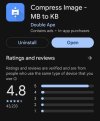
Thanks Kinky really helpful :)If you've got an android phone (not sure if it's available on apple) this app called compress image MB to KB by double ape, it's easy to use and has a 4.8 rating and over a million downloads...
View attachment 149300
I recommend it as I've used it myself to shrink the file size of images the odd time I've needed to, it works easy enough and there's never been any noticeable drop off in quality.
You just pick your photo and customise it's size I usually go 900 KB but you could set the file size to 1800-1900 in theory, just as long as it's below the 2mb threshold for bluemoonforum that's all that matters.
I'm not sure about the jpeg method mentioned by @Trevor Morley's Tache as I've only ever used apps, never used any image hosting sites like @jimharri mentioned but they sound like they might be worth looking into.
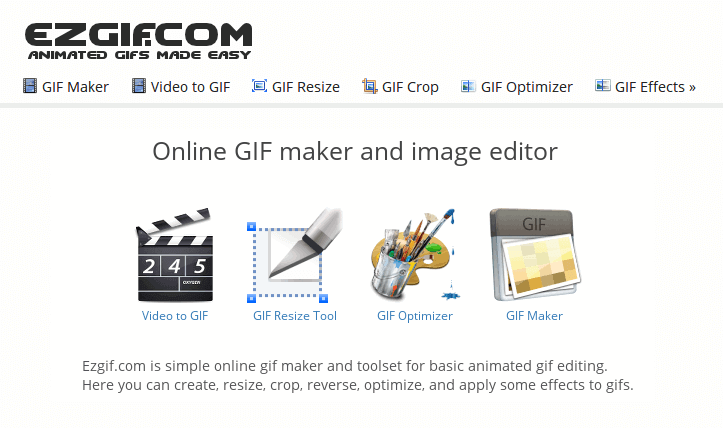
With GIFs if you're looking to shrink them to fit on the forum or even create your own from a video clip, then ezgif is also a good site to use there's there's lots of great editing options.
Animated gif tools
Easy to use online animated GIF maker and image editor. Create, convert, crop, resize, reverse, optimize animated GIF, WebP, APNG files, images and videos.ezgif.com
There's also an app called video panda to compress video file sizes too so if you're gonna create a GIF file, that app or a similar video compressor can sometimes be a big help to shrink it before before using ezgif.