Bob the Baker
Well-Known Member
Manageable on laptop, but bloody awful on ipad. I just start to read a thread, then it stalls & crashes. Annoying to say the least.

That looks like a 'clear your cache' job to me, I'm on Chrome/Win 10 and have never had that come up.Getting this page quite frequently using Chrome on Windows 10, have to keep F5ing the page.
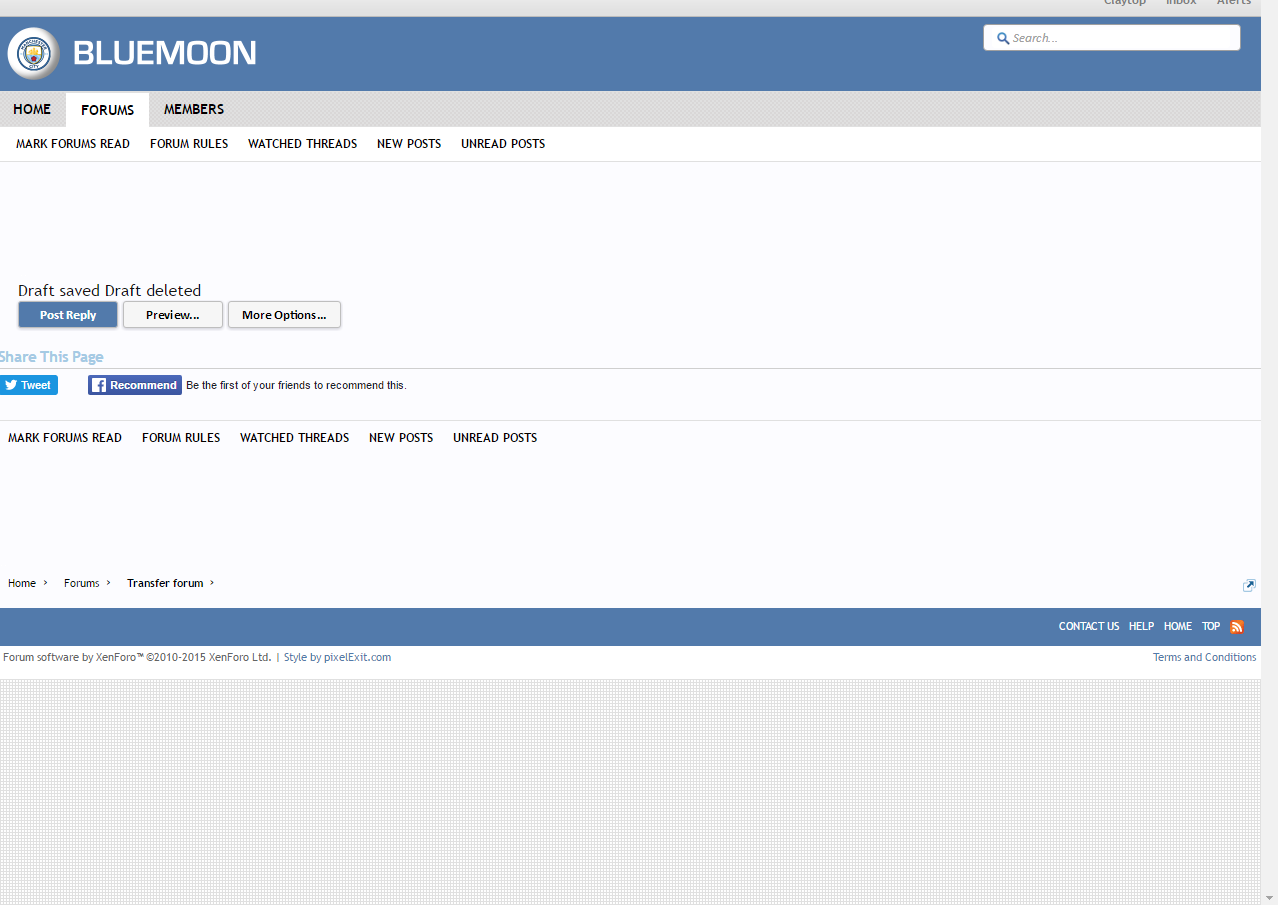
Getting this page quite frequently using Chrome on Windows 10, have to keep F5ing the page.
Have you tried changing your Chrome settings mate, as mentioned before?
Chrome > Settings > Advanced settings > Use hardware acceleration when available (deselect)
Have you tried changing your Chrome settings mate, as mentioned before?
Chrome > Settings > Advanced settings > Use hardware acceleration when available (deselect)
I keep getting a pop up when viewing this site on my android phone, both on chrome and other browsers, saying 'Rats! Webgl hit a snag'
Changing your settings should help mate:
Chrome > Settings > Advanced settings > Use hardware acceleration when available (deselect)
I'm having trouble with a Maybelline banner Ad across the top which is slowing everything down big time. I'm using Chrome 51 on Windows 10, 64 bit both, there's a 'Waiting for atpixel.alephd.com' message down at the bottom.
Still the same after a full clean.
There is a thread in the Technical Queries forum with some advice that might help.
http://forums.bluemoon-mcfc.co.uk/threads/ads.322423/
On my phone it means I can't edit posts as the advert comes up over the submit button.I know there was a thread somewhere on this recently but can't find it.
How do i stop the ads slowing, stuttering and freezing my lappy when i load a page? I think it's the video ads that do it.
I know there was a thread somewhere on this recently but can't find it.
How do i stop the ads slowing, stuttering and freezing my lappy when i load a page? I think it's the video ads that do it.
On my phone it means I can't edit posts as the advert comes up over the submit button.
And being dyslexic I edit posts nearly every ducking time.
Are you using Chrome mate? If so, can you try this:
Chrome > Settings > Advanced settings > Use hardware acceleration when available (deselect)
Can't bud. I can't post on tiny pic as its blocked out here and only have a vpn on my laptops.Any chance you could send me a screengrab mate so that I can try to get it resolved?